Open the correct game
Use the “Play on the Original Website” button to open baperrasta.com. The start screen is in Bengali; “রাস্তায় নামেন” is the yellow button that starts a run. The smaller download-shaped icon is separate.
No account, payment or download was needed for the browser run we tested. Avoid third-party APK offers; this guide links to the creator’s browser version.
Direct browser test
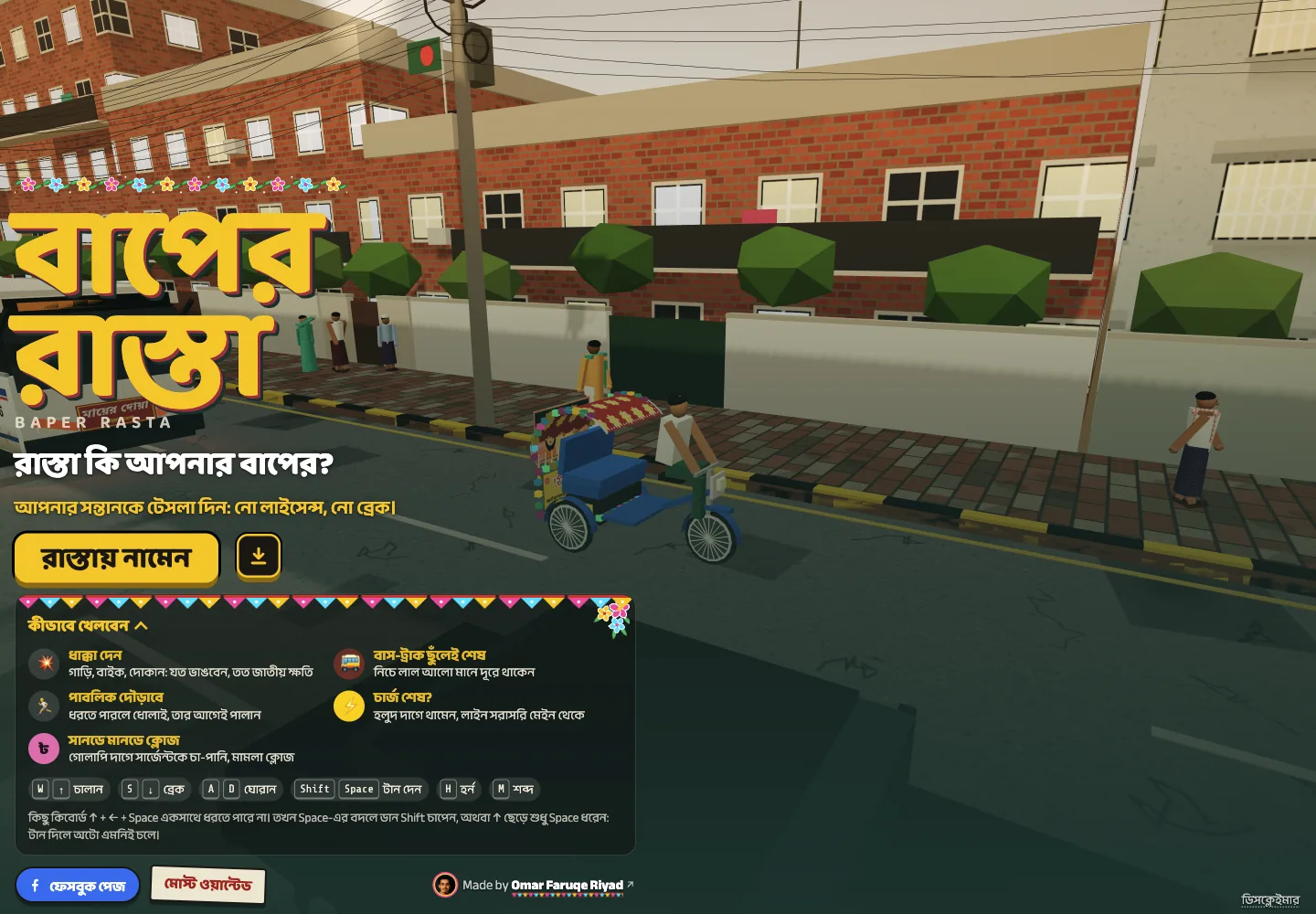
Start a run and find your bearings
Click “রাস্তায় নামেন”. The camera follows a decorated auto-rickshaw. On desktop, briefly hold W or ↑, then release. Try a small left or right input with A / D or the arrow keys while moving.
Use S or ↓ to slow down. Holding it after a stop can move the auto backwards, so release it when you have stopped. In a touch browser, use the on-screen steering arrows, “চালান” accelerator and “ব্রেক” brake.
Direct browser test
Read the score, charge and road
“জাতীয় ক্ষতি” at the top left means national loss: it is the in-game damage score, shown with ৳. “চার্জ” at the top right is the battery percentage. The circular map and nearby charging direction help you locate charging points.
This is satirical damage scoring, rather than a conventional clean-driving race. A short test collision raised our counter to ৳1,200. We have not verified every object’s value or a complete score formula.
Before moving, locate three things in the screenshot below: the damage counter at the upper left, the charge percentage at the upper right, and the circular charging map beneath it. Read “মি” as metres in the nearby charging direction. The opening keyboard reminder sits over the road; it is part of the original game, not an extra guide control.
Direct browser test
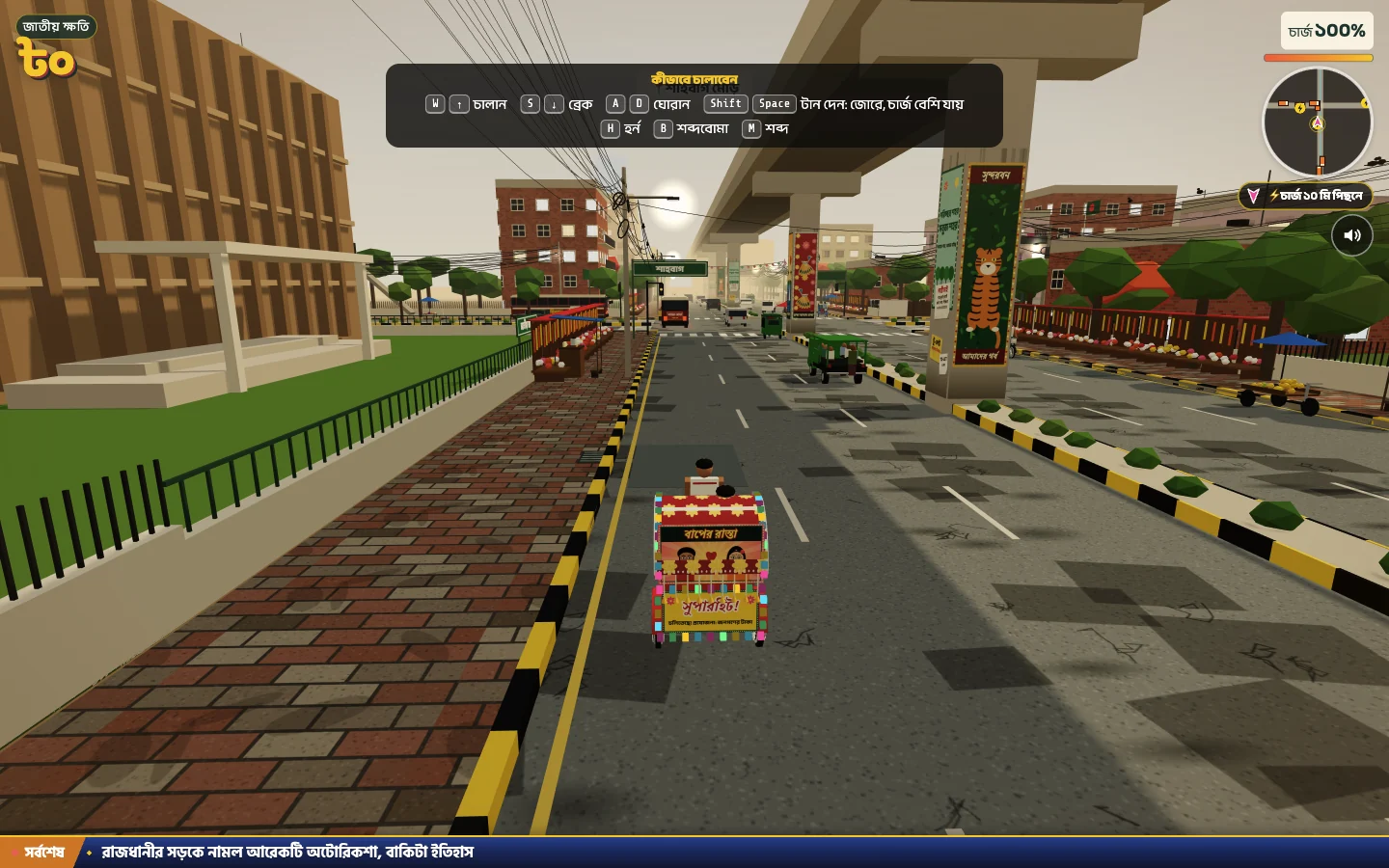
Captured from baperrasta.com · Game by Omar Faruqe Riyad · 26 Oct 2026
Separate charging from danger
The original instructions say to stop on yellow markings to charge. Approach slowly, brake into the marked area and check that the displayed battery actually rises before relying on a stop. A refill was not completed in our short recorded test.
Shift or Space boosts speed and uses more charge. Leave it alone while learning turns. The original warns that buses and trucks end a run; red light beneath them is a danger cue. It also warns that people can chase and catch the driver.
Pink markings belong to the game’s satirical police “tea-money” interaction. They are not a battery refill. Its exact cost and effects were not personally tested, so do not build a survival plan around it.
Avoid the first-run traps
Holding a turn too long can leave you facing the curb or median. Use short steering inputs and practice slowing before a turn. Do not boost toward a bus simply because smaller collisions can score.
Stopping after a collision gave pursuers time to catch us in a test run. If the pursuit warning appears, watch the open road as well as the battery. No horn or sound-bomb key is a guaranteed escape button.
Direct browser test
Read the result and try again
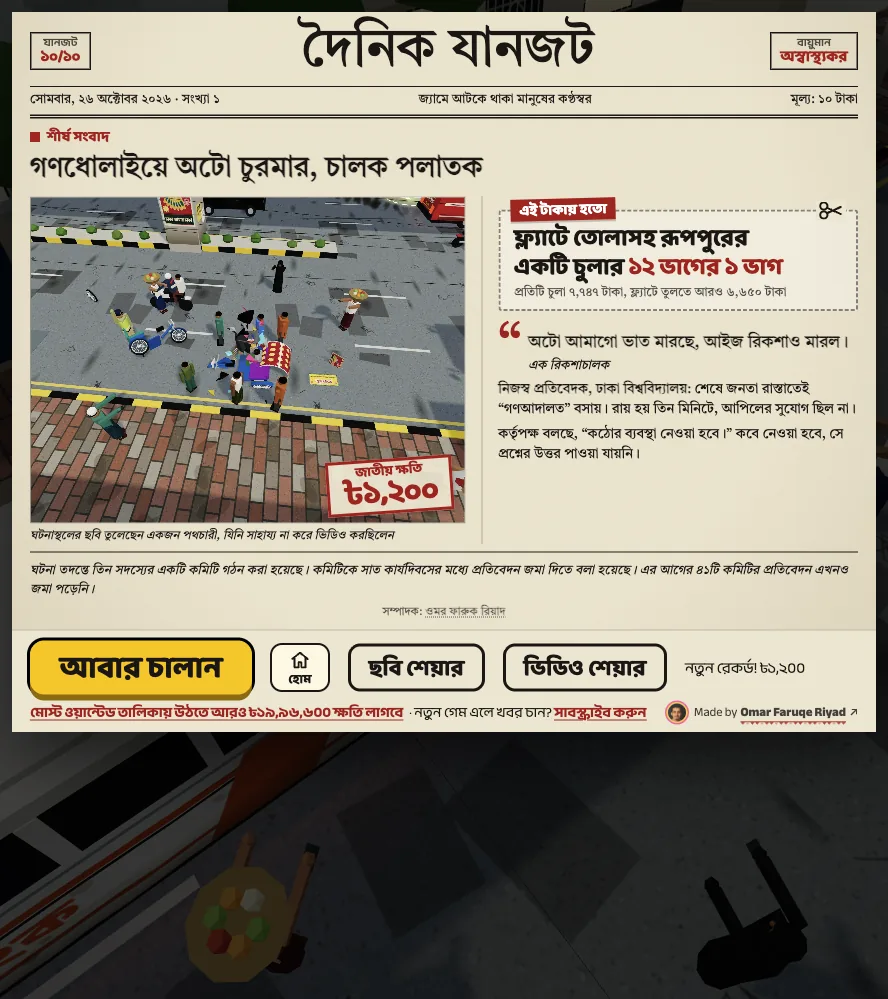
When our driver was caught, the game showed a Bengali newspaper-style result with the final national-loss amount. “আবার চালান” starts another run; the home button returns to the start screen.
For the next attempt, choose one thing to improve: smoother turning, spotting a dangerous vehicle earlier or finding a charging marker. The controls guide is the fastest next stop; use the tips page once the basics feel comfortable.
Direct browser test
Watch a real run before trying again
Prefer to see the road in motion? This Bengali gameplay recording shows the same decorated auto-rickshaw and busy intersections. Use it to recognise the scene and follow the driver’s movements, then return to the verified controls table for the current inputs. It is entertainment gameplay, not a step-by-step official tutorial.
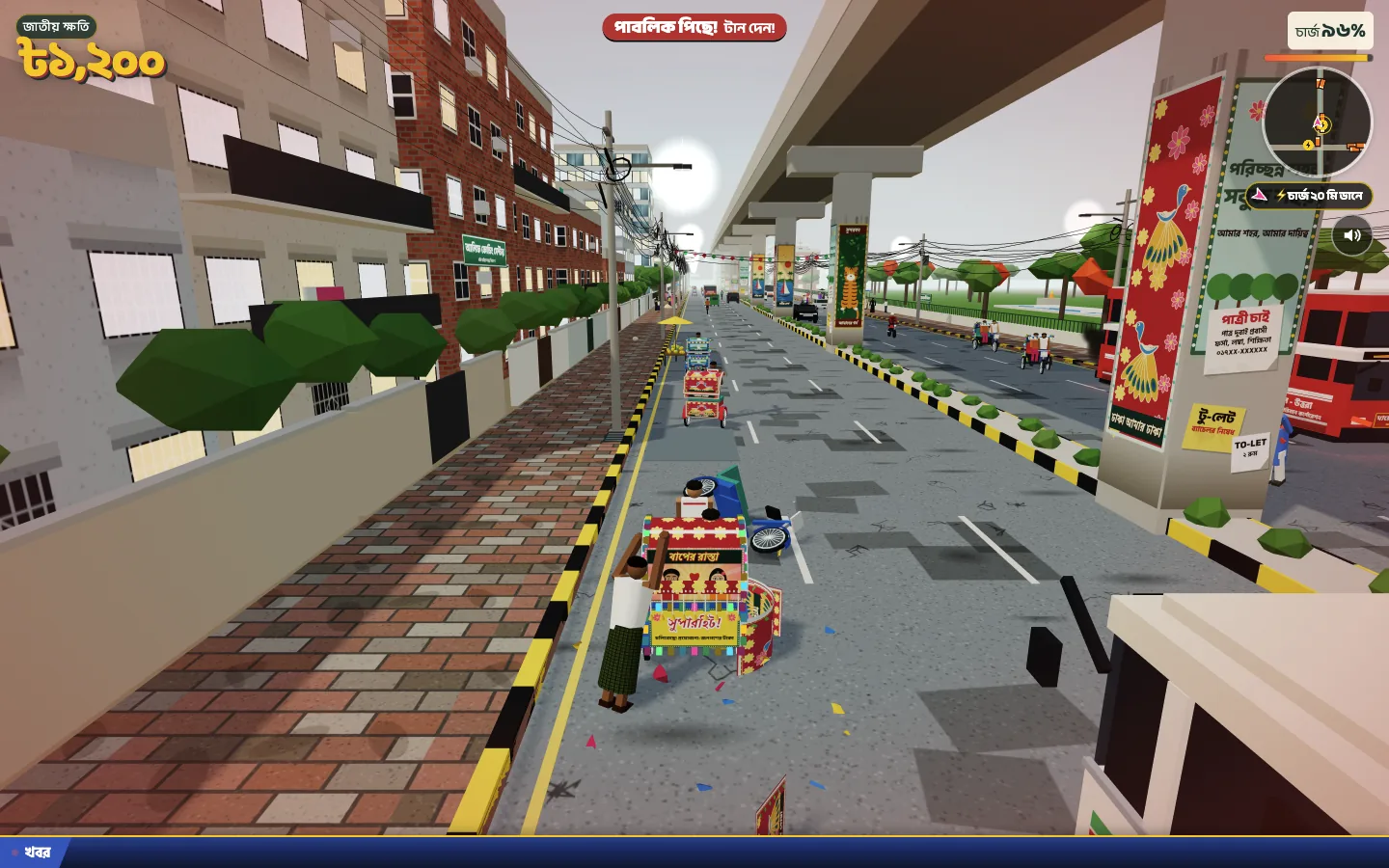
Bengali gameplay demonstration · 10:02
Watch an auto-rickshaw run through traffic
Abir The Only One plays Baper Rasta with Bengali commentary. Start at 1:10 for driving through an intersection; around 0:45, buses crowd the road. Watch the spacing and steering rather than treating every move as a recommended strategy. The recording may show a different build or traffic situation from your run.
The cover is our game screenshot, not a frame from this video. YouTube loads only after your click; press Play in its player to watch. If it cannot play here, use the YouTube link. Video and commentary belong to the credited channel.